Whether you hold a Chinese Mainland identity card or Hong Kong identity card, you can now enjoy 24/7 online account opening by simply completing a few easy steps through CCB (Asia) e-Account Service. Opening an account is effortless and convenient with flexible service at your fingertips.
Experience a fully upgraded banking solution with our new feature that allows you to open Saving Account and Securities Trading Account simultaneously1 within one app, you can seamlessly enjoy both saving and investment services with CCB (Asia).




Anytime Anywhere

Download the CCB(HK&MO) Mobile App and experience account opening services at your fingertips, without time or regional restriction*.

Speedy Application
Experience quick account opening in just a few steps through your mobile device, you will receive initial application result within 1 day at the soonest and your account will be effective for use in 3 working days the soonest2.

One-stop Banking
Solution
Solution
Enjoy seamless online opening for Savings Account(s) (including HKD Statement Savings Account/Multi-Currency Savings Account3/ Time Deposit Account) ,and other banking services (including UnionPay Dual Currency Debit Card and Value Added Payroll Service) with ease anytime and anywhere.

Experience our newly launched feature to open a securities trading account online1,4 simultaneously, empowering you to manage all your banking needs with our all-in-one app.

Smart Digital
Banking
Banking
Manage your finances with ease and convenience by applying for Online Banking Service and eStatement to better manage your accounts and banking services.
Remarks:
* Chinese Mainland residents must apply in Hong Kong and provide valid account opening documents for both Hong Kong and Chinese Mainland assets.
* e-Account service is only available for new CCB (Asia) customers.
* Chinese Mainland residents must apply in Hong Kong and provide valid account opening documents for both Hong Kong and Chinese Mainland assets.
* e-Account service is only available for new CCB (Asia) customers.










e-Account service is available to:

New CCB (Asia) customers; and
Hong Kong Resident who is aged 18 years or above; and
Valid Hong Kong Permanent or Non-Permanent Identity Card (HKID) holder; and
A tax resident of Hong Kong and non-U.S. person.
Please refer to below Frequently Asked Questions for details. For other customers or those who fail to pass the identity verification of e-Account Service, please visit our branch for account opening.


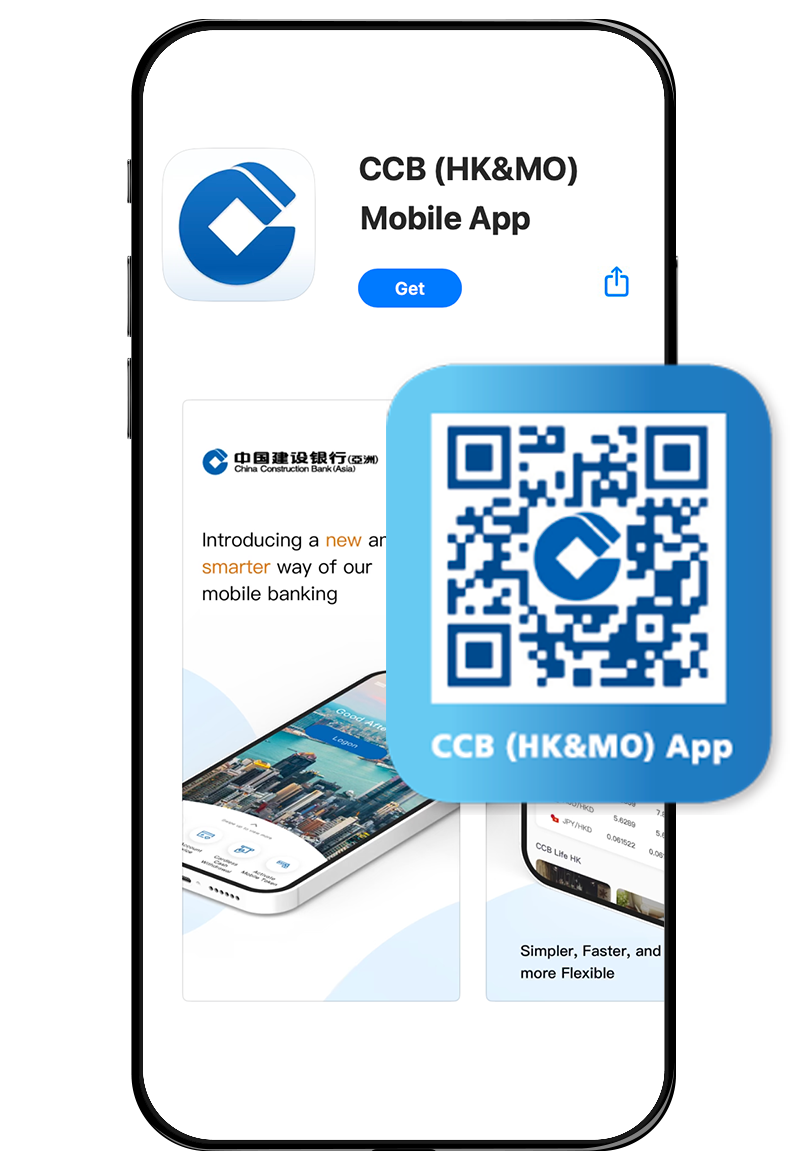
1 Download Mobile App
Download CCB (HK&MO) App from App Store / Google Play / AppGallery.





* e-Account service is only available for new CCB (Asia) customers.
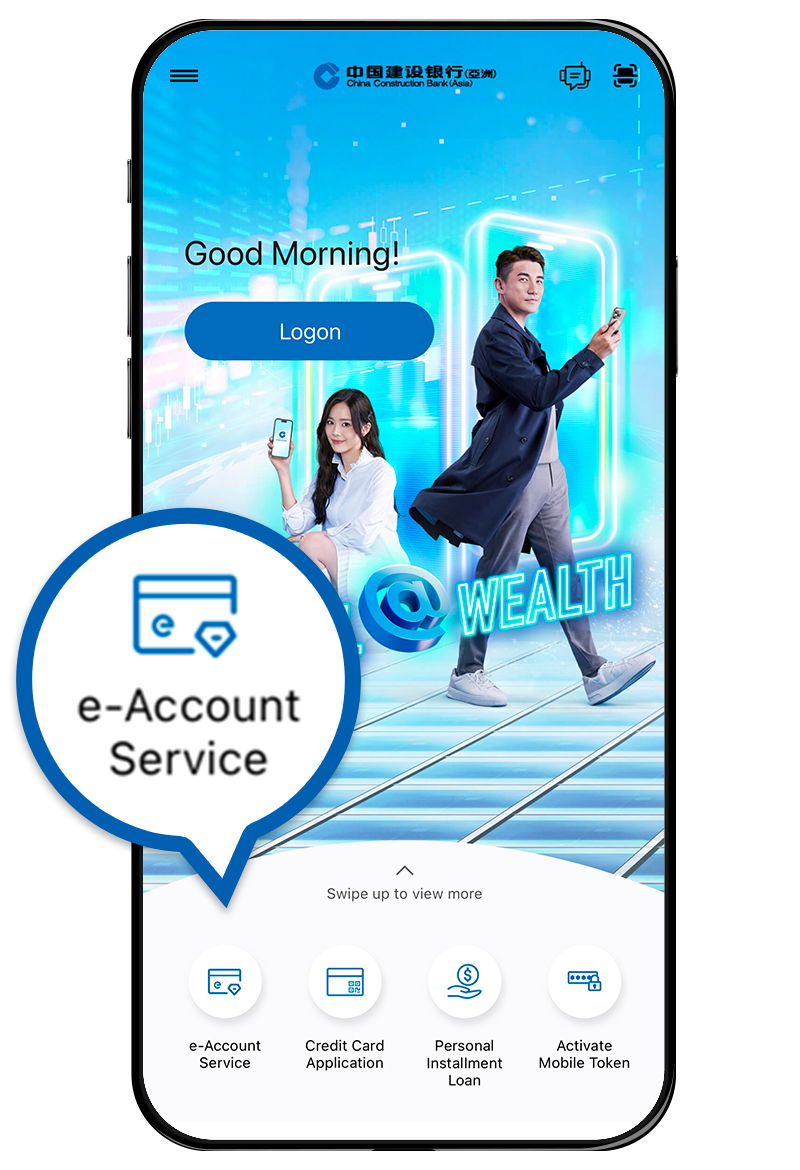
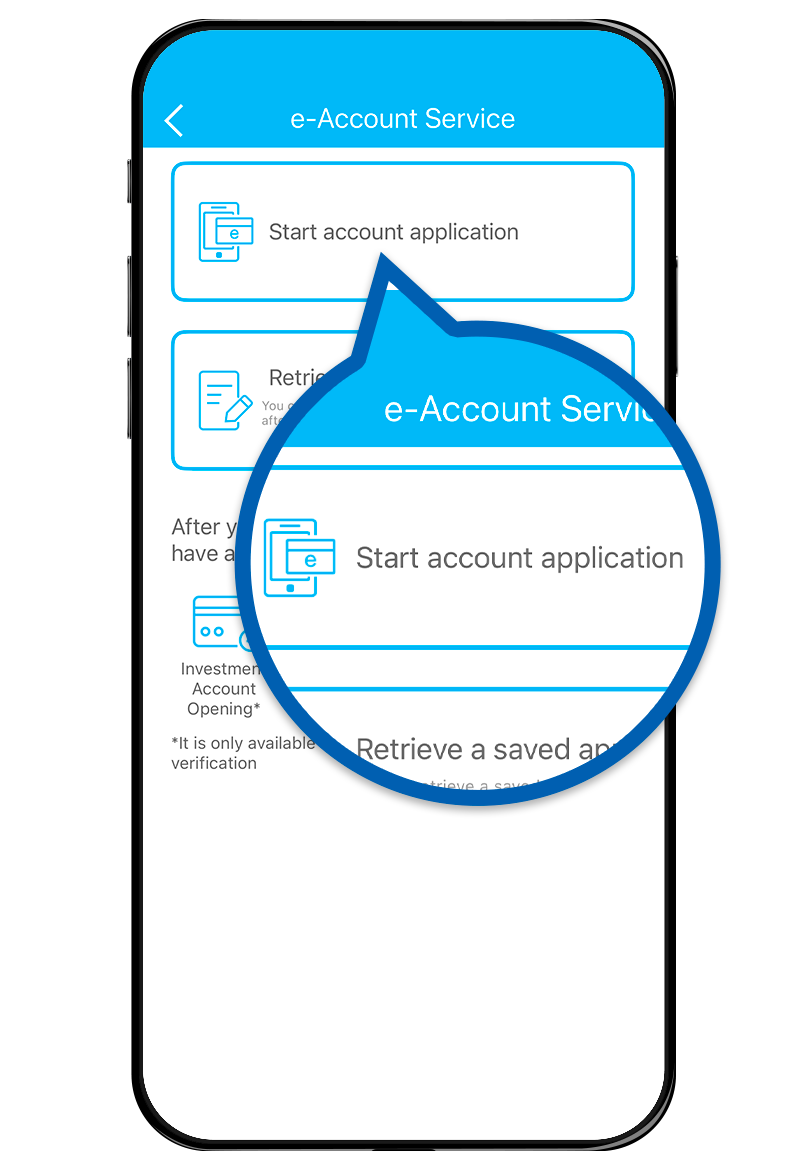
2 Account Application
Select e-Account Service and start account application in the App. Read and agree to the relevant terms and conditions.
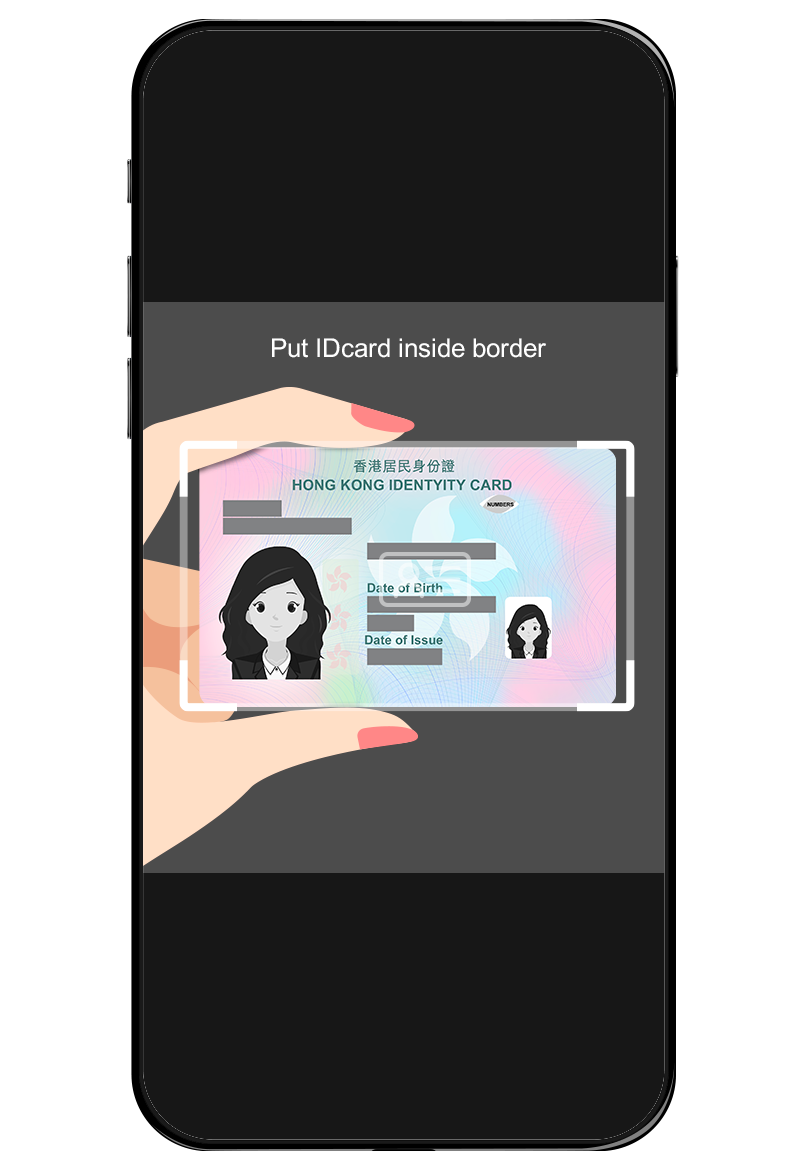
3 HKID Card Verification
Please note the following points:
- Capture with sufficient light, avoid dark or messy background and reflective surface or blocking the light source;
- Hold the edge of the HKID card and avoid blocking any information on the card, do not place it on a flat surface;
- Keep your HKID card within the frame;
- According to the instruction, capture the HKID Card within the frame.
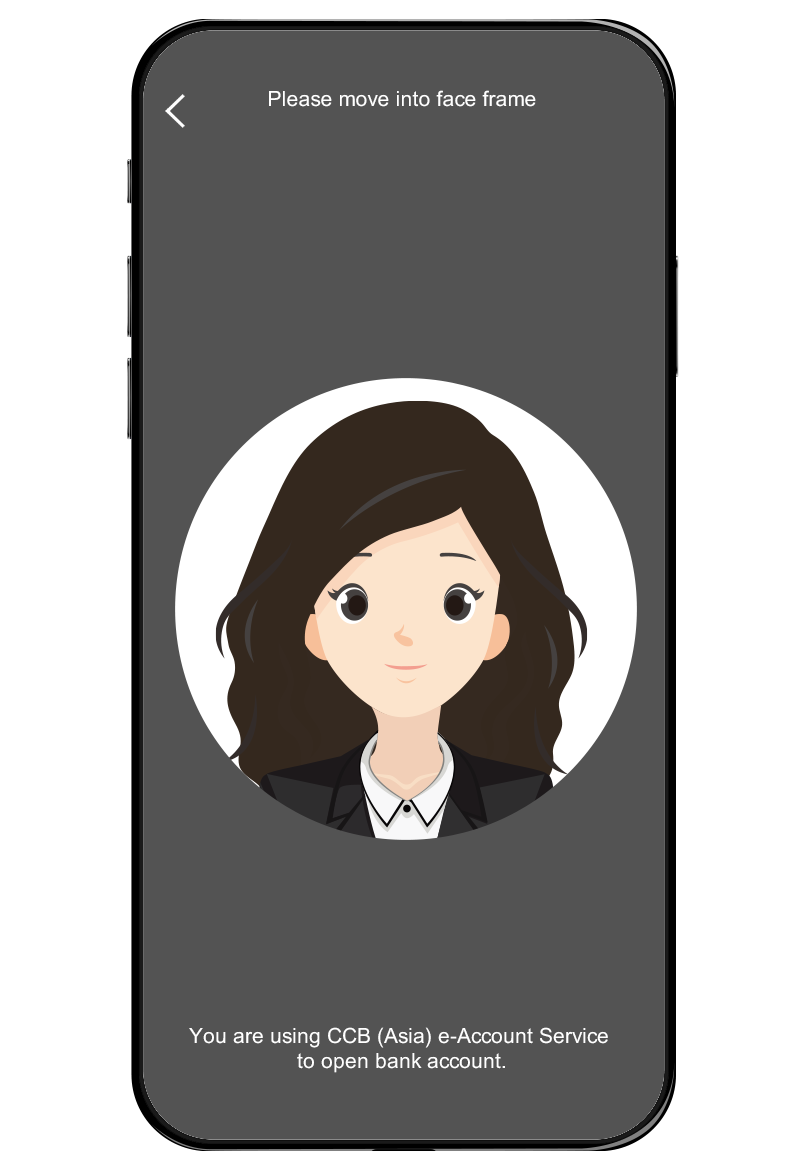
4 Take a Selfie
Place your phone at eye-level to ensure your face is within the frame with sufficient space around, then follow the random instructions for taking selfie.
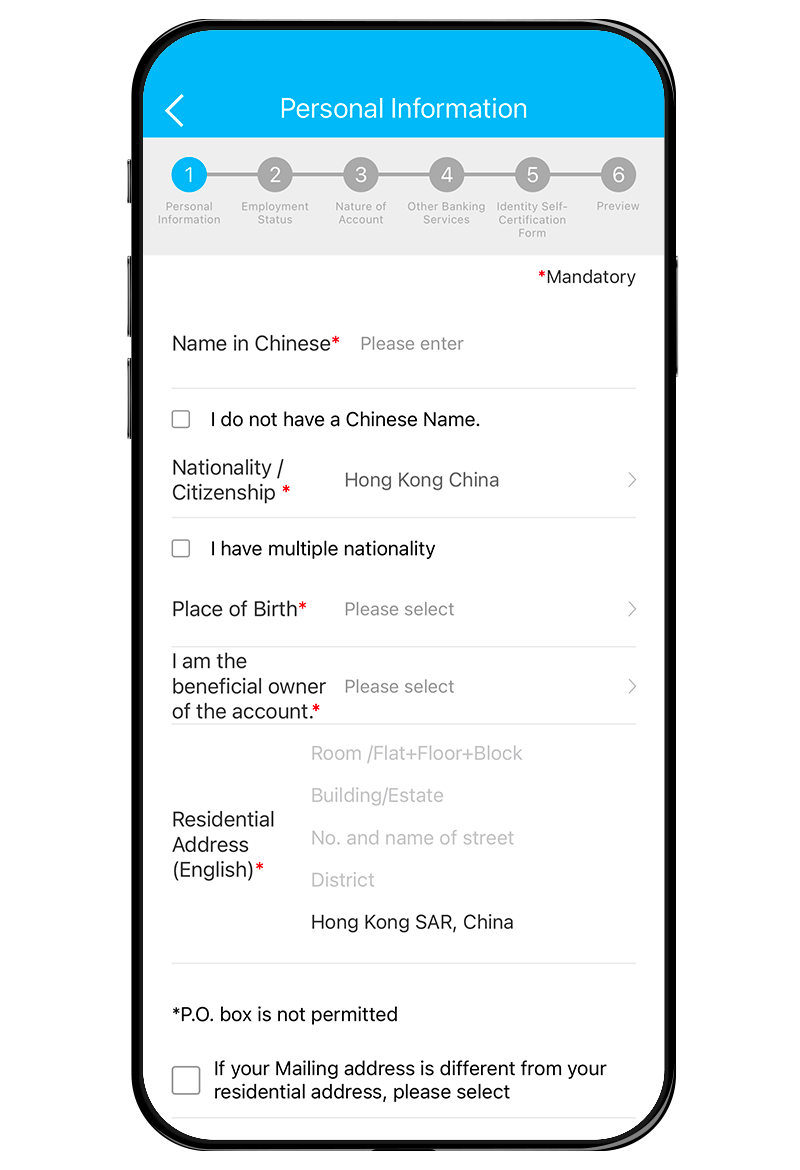
5 Input Personal Data
Follow instruction to input personal data. You will receive One-time password via SMS and email separately. Please input the passwords respectively.
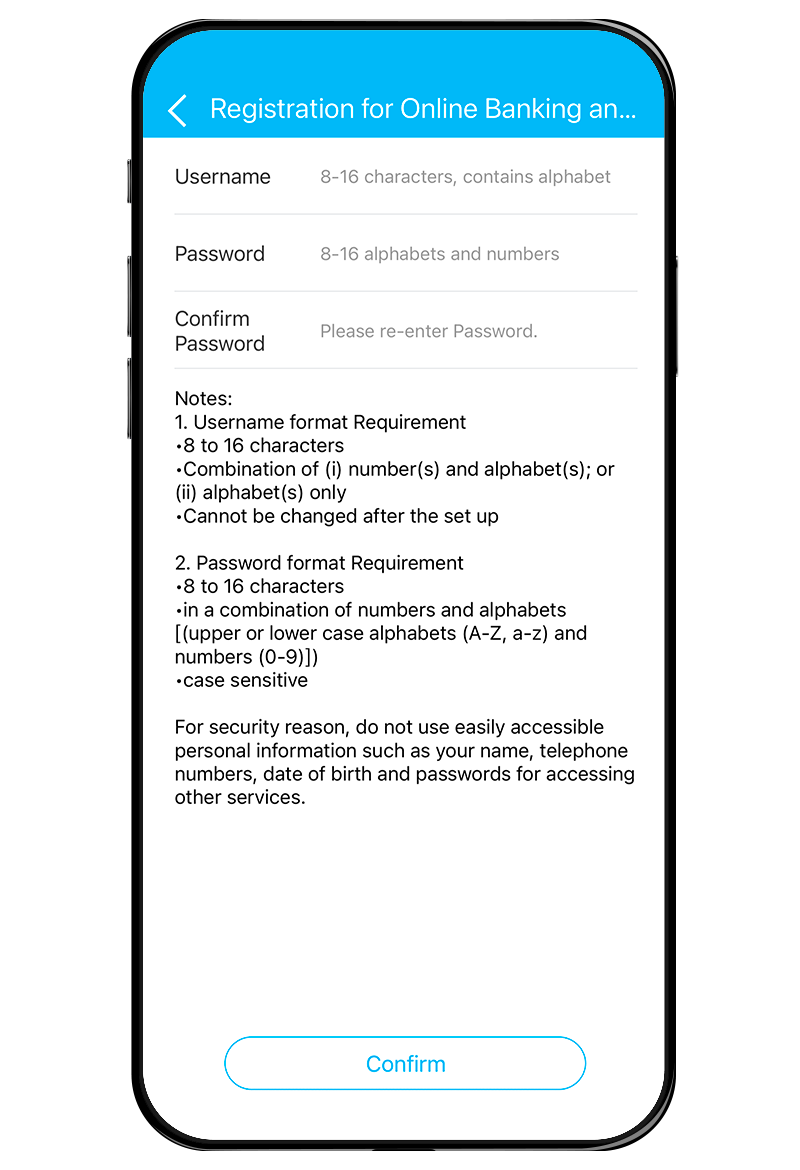
6 Set up Online Banking
Set up your username and password for Online Banking, then press “Confirm” to submit your application. You will then receive SMS and email notifications for your application number and result*.
* After successfully opening an account, the Bank will conduct a final review and your savings account will be available for deposit and withdrawal after final review.
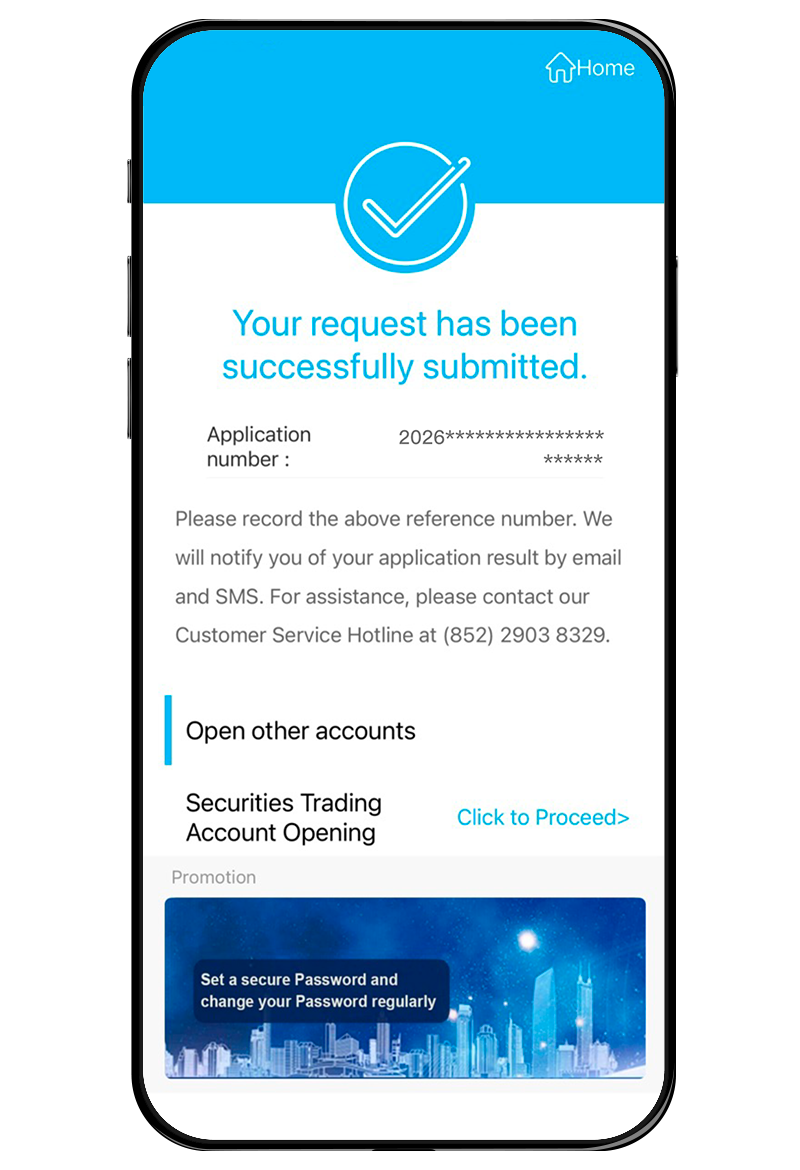
7
New Feature - Open Securities Trading Account Simultaneously*
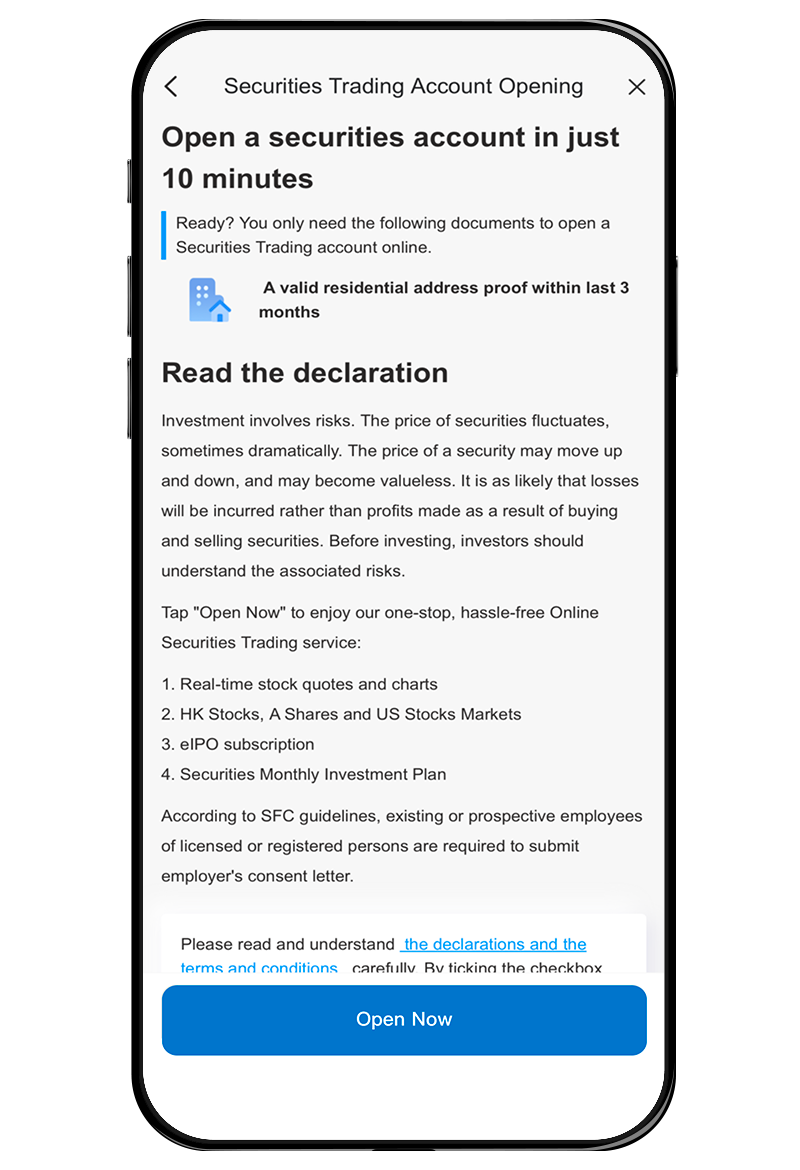
If you want to open a Securities Trading Account*, please ensure you have received our Bank's email or SMS notification of your “e-Account Service” application result. Then click “Click to Proceed” to continue the Securities Trading Account* opening.
Warm Reminder: Please do not close the mobile app before receiving the application results via email or SMS.
* Investment involves risk, prices of investment product may go up as well as down, and may become valueless.
8 Upload Address Proof
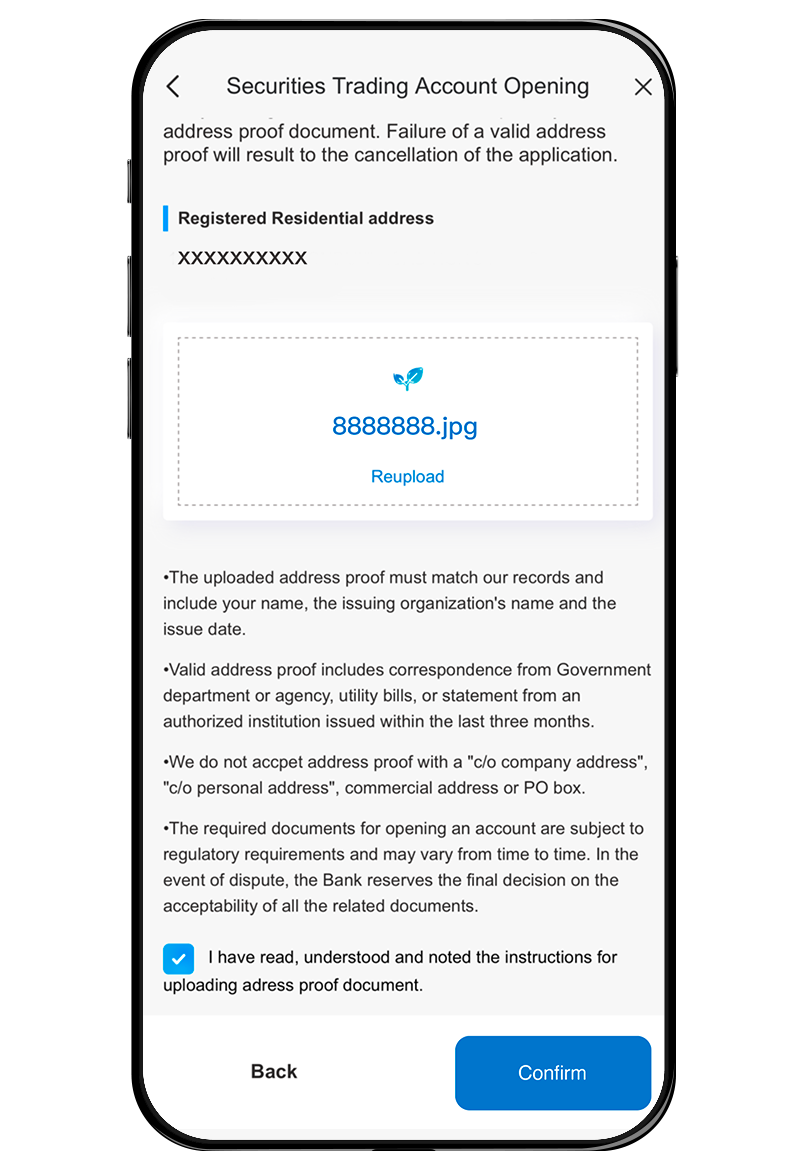
Read and agree to all the relevant declarations and the terms and conditions, and upload a valid residential address proof (includes correspondence from Government department or agency, utility bills, or statement from an authorized institution issued within the last three months and the address should be as same as the registered residential address).
9
Complete SecuritiesTrading Account Opening*
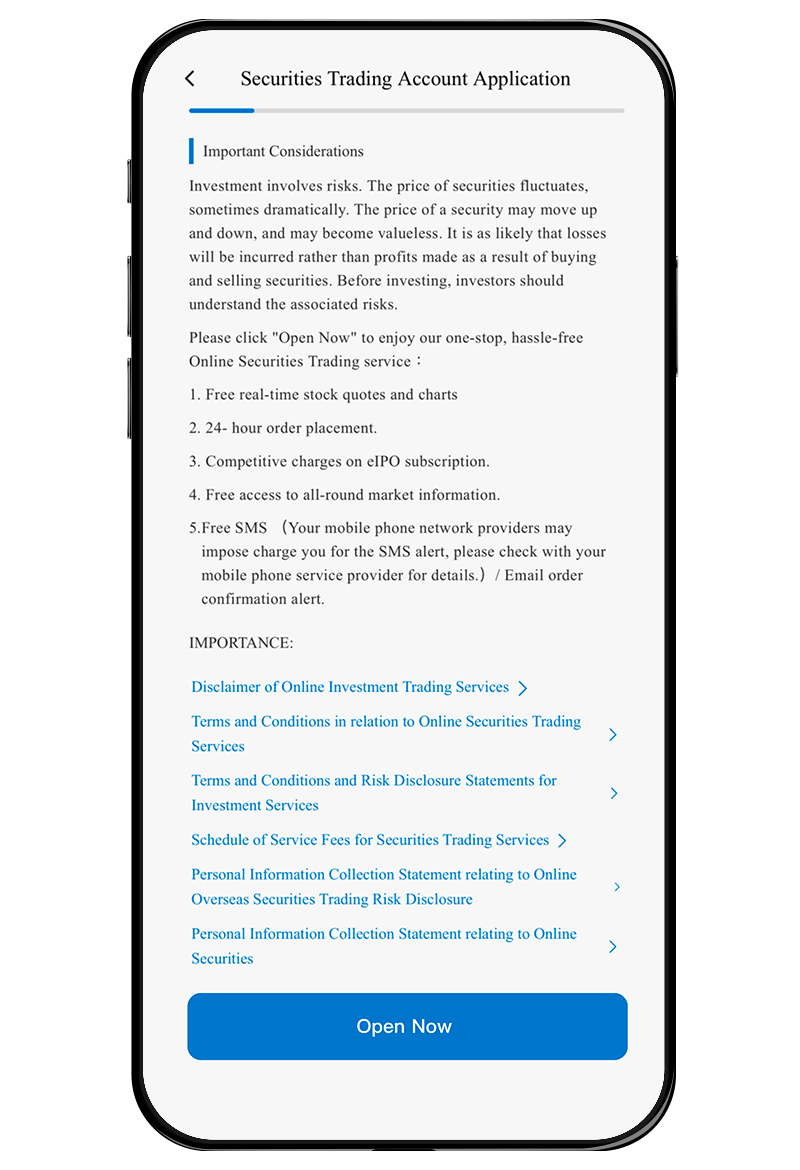
After completing and submitting the Investment Profile Questionnaire as instructed, please read the relevant important notes and then click "Open Now" to complete the entire Securities Trading Account* opening procedure.
* Investment involves risk, prices of investment product may go up as well as down, and may become valueless.


e-Account service is available to:
New CCB (Asia) customers; and
Chinese Mainland visitor to Hong Kong who is aged 18 years or above; and
Holders of a valid People’s Republic of China Resident Identity Card and Exit-Entry Permit for Travelling to and from Hong Kong and Macau; and
Holders of a valid Exit-Entry record from the National Immigration Administration; and
A tax resident of Chinese Mainland and non-U.S. person.
Please refer to below Frequently Asked Questions for details. For other customers or those who fail to pass the identity verification of e-Account Service, please visit our branch for account opening.
1 Download Mobile App
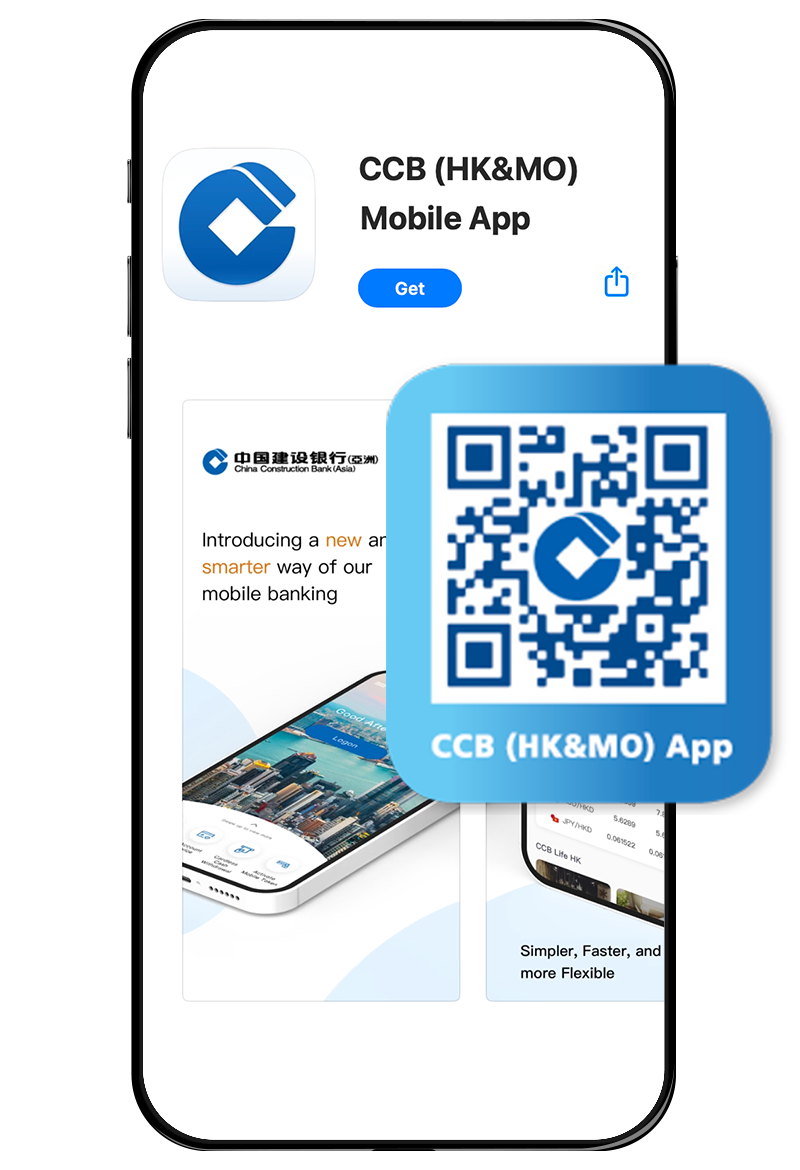
Download CCB (HK&MO) App from App Store / Google Play / AppGallery.
Note: Please allow CCB (HK&MO) App to use your location in order to proceed with the application.
* e-Account service is only available for new CCB (Asia) customers.
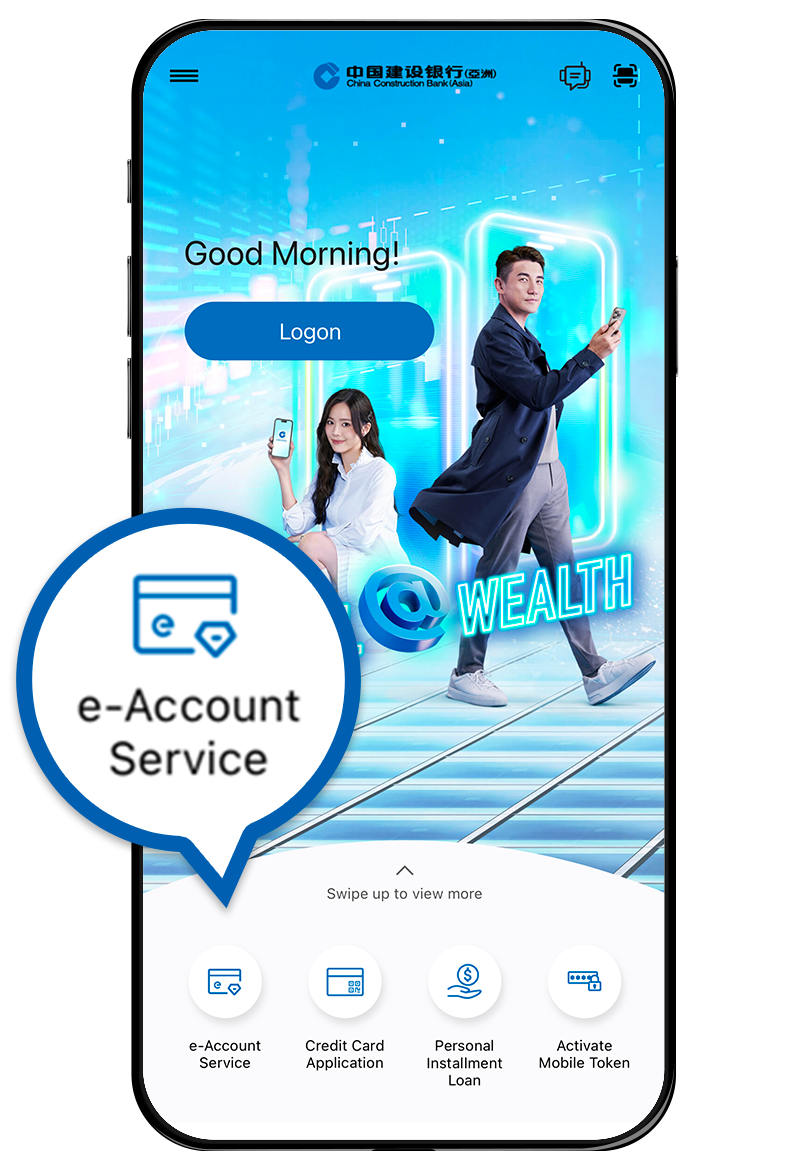
2 Account Application
Select e-Account Service and start account application in the App. Read and agree to the relevant terms and conditions.
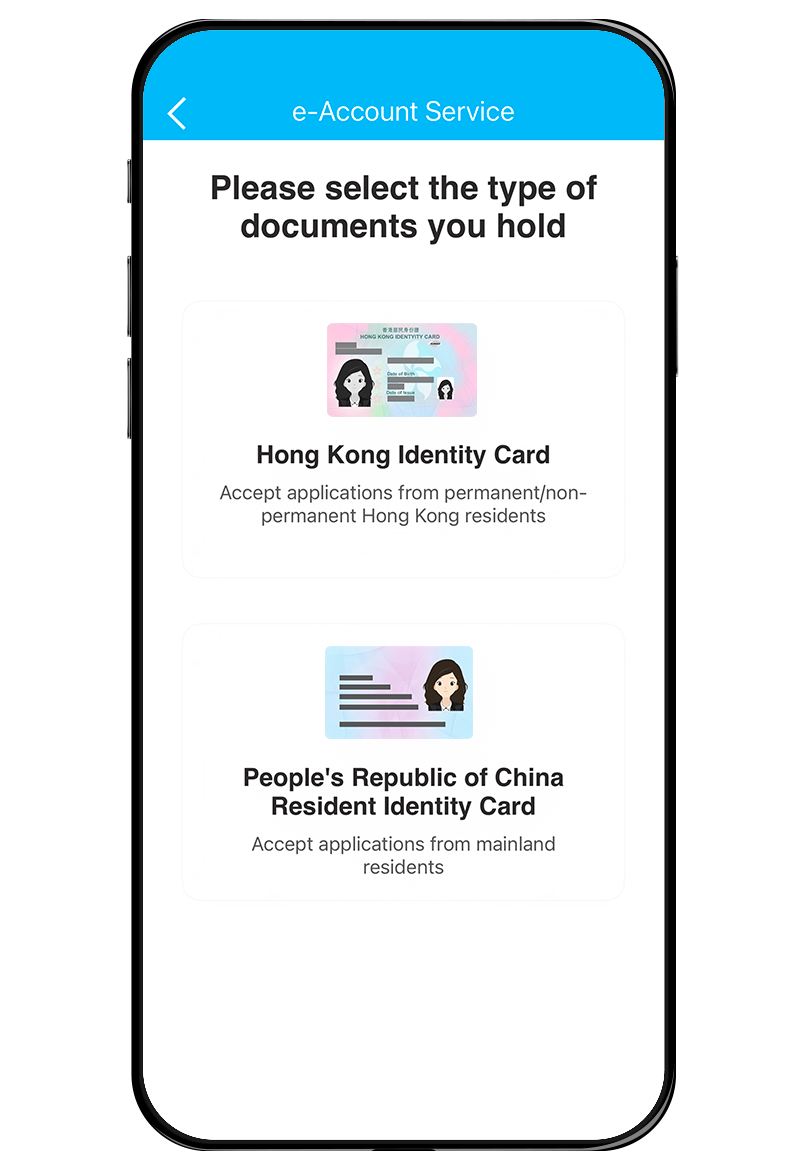
3 Select Identification Document Type
Select the type of identification document you hold.
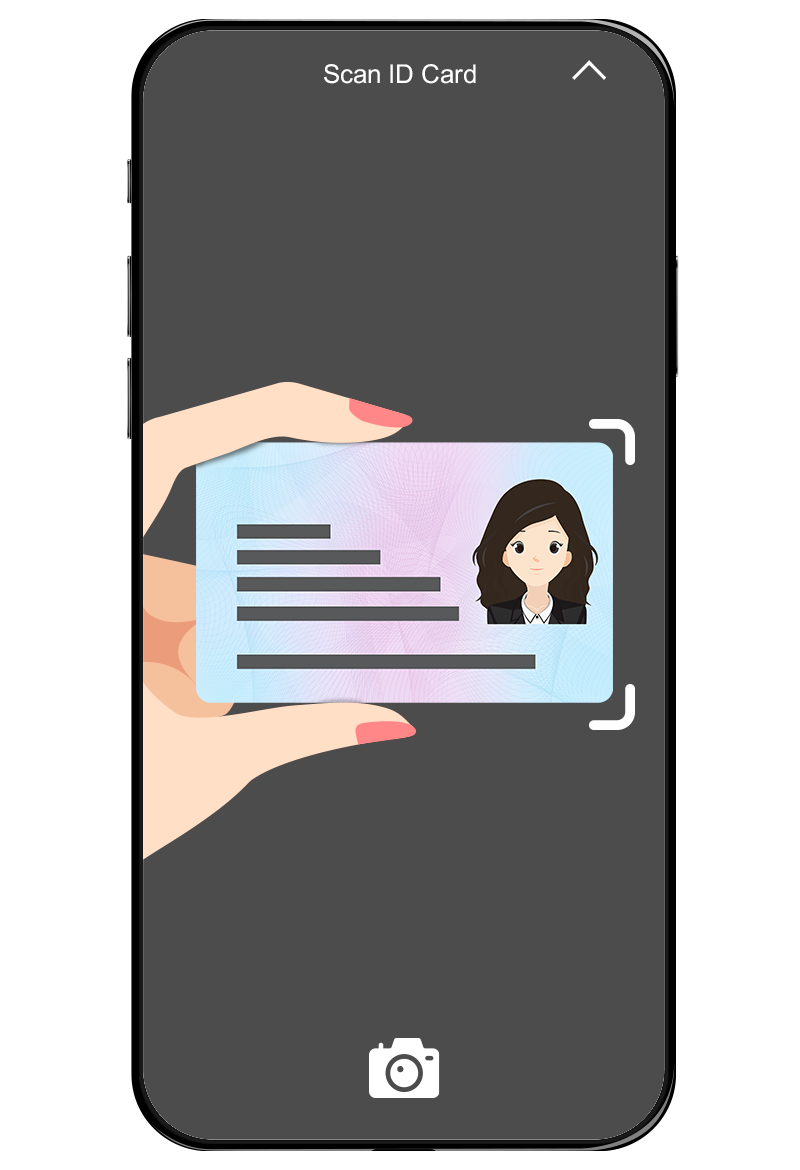
1
PRCID Card and Exit-Entry Permit for Travelling to and from Hong Kong and Macao Verification
Please note the following points:
- Capture with sufficient light, avoid dark or messy background and reflective surface or blocking the light source;
- Hold the edge of the PRCID card or Exit-Entry Permit and avoid blocking any information on the PRCID card or Exit-Entry Permit, do not place it on a flat surface;
- Keep your PRCID card or Exit-Entry Permit within the frame;
- According to the instruction, capture the PRCID Card within the frame.
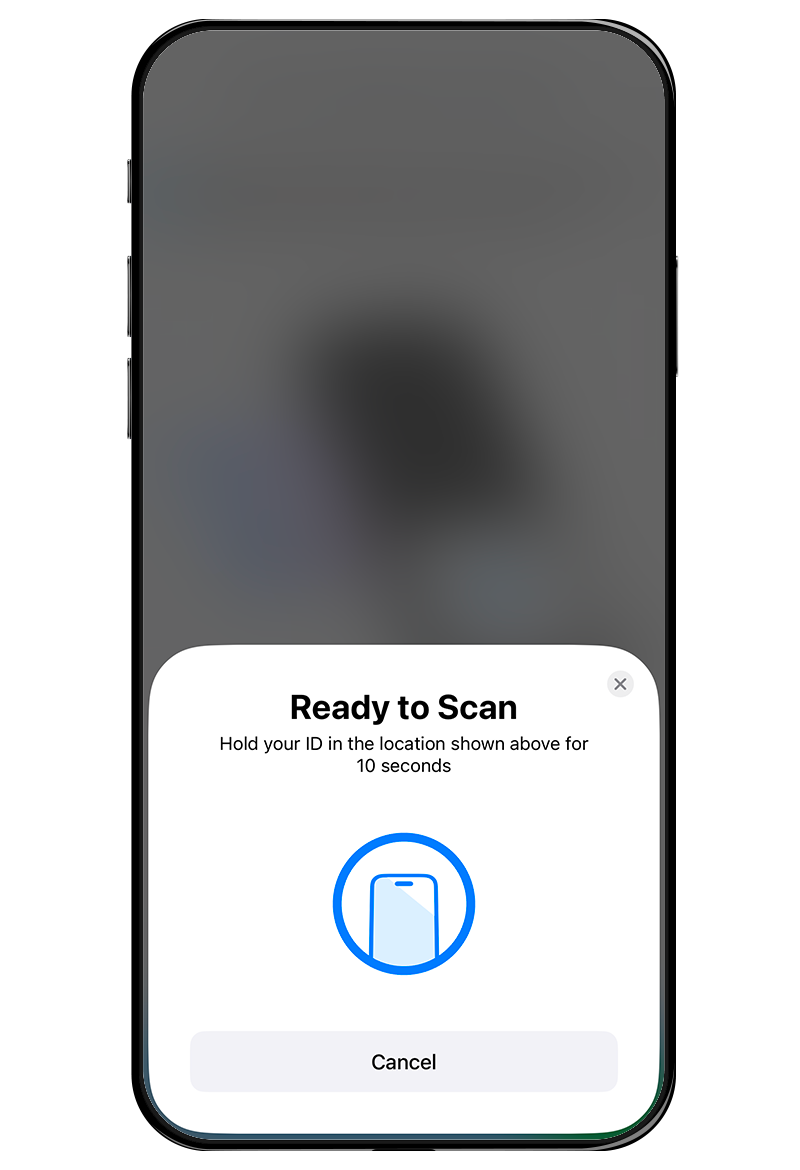
5 Scan
Gently tap your identification document on the mobile device’s NFC reader area.
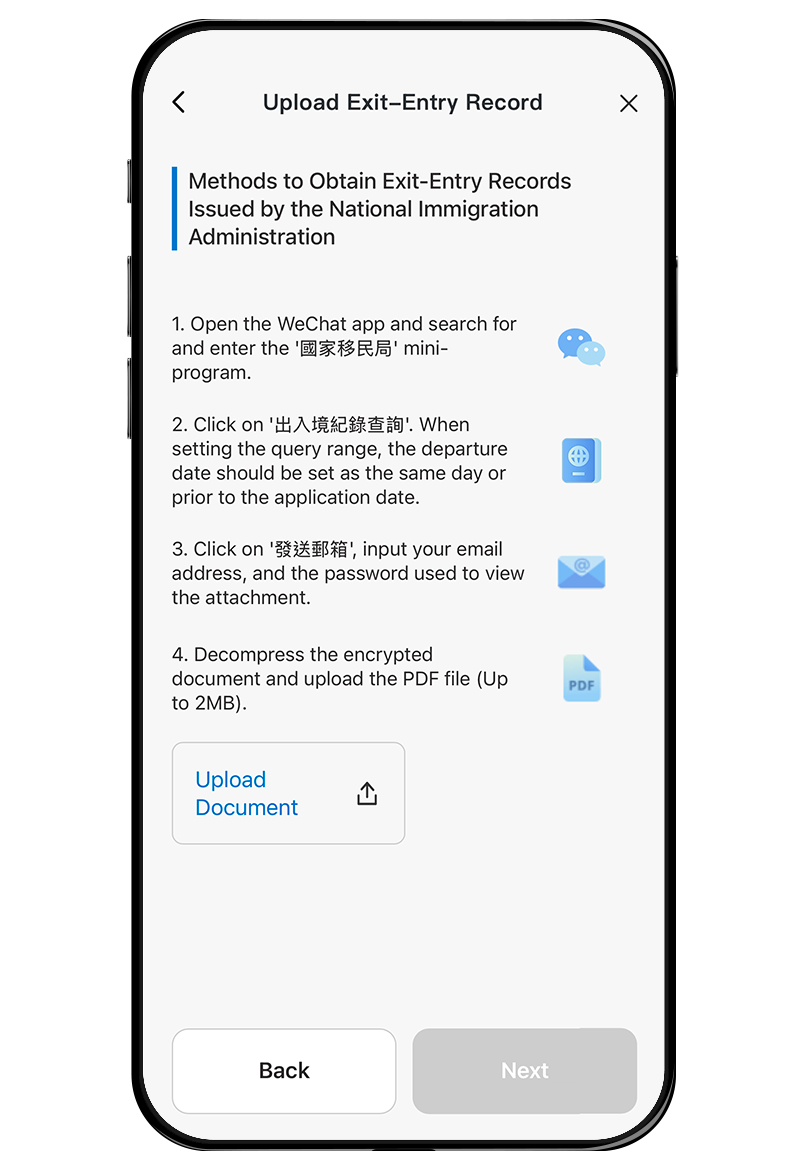
6 Upload Exit-Entry Record
Upload electronic version of Exit-Entry Record.
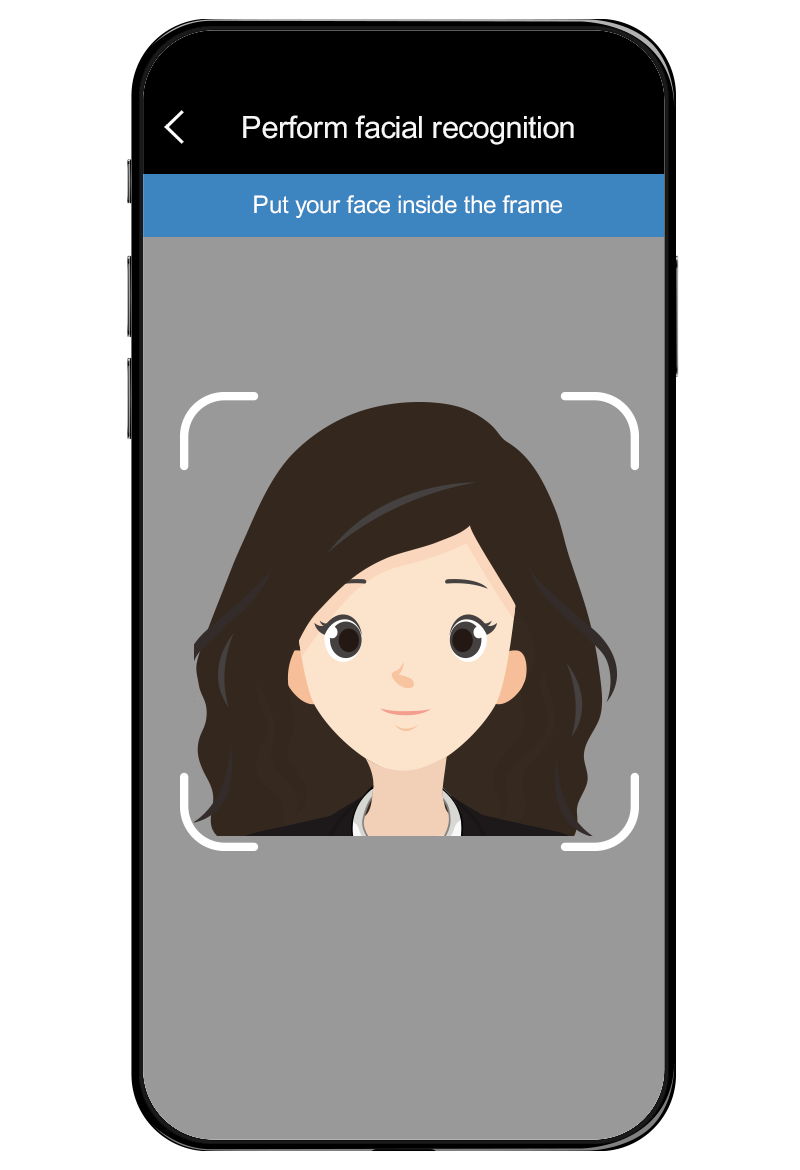
7 Take a Selfie
Place your phone at eye-level to ensure your face is within the frame with sufficient space around, then follow the random instructions for taking selfie.
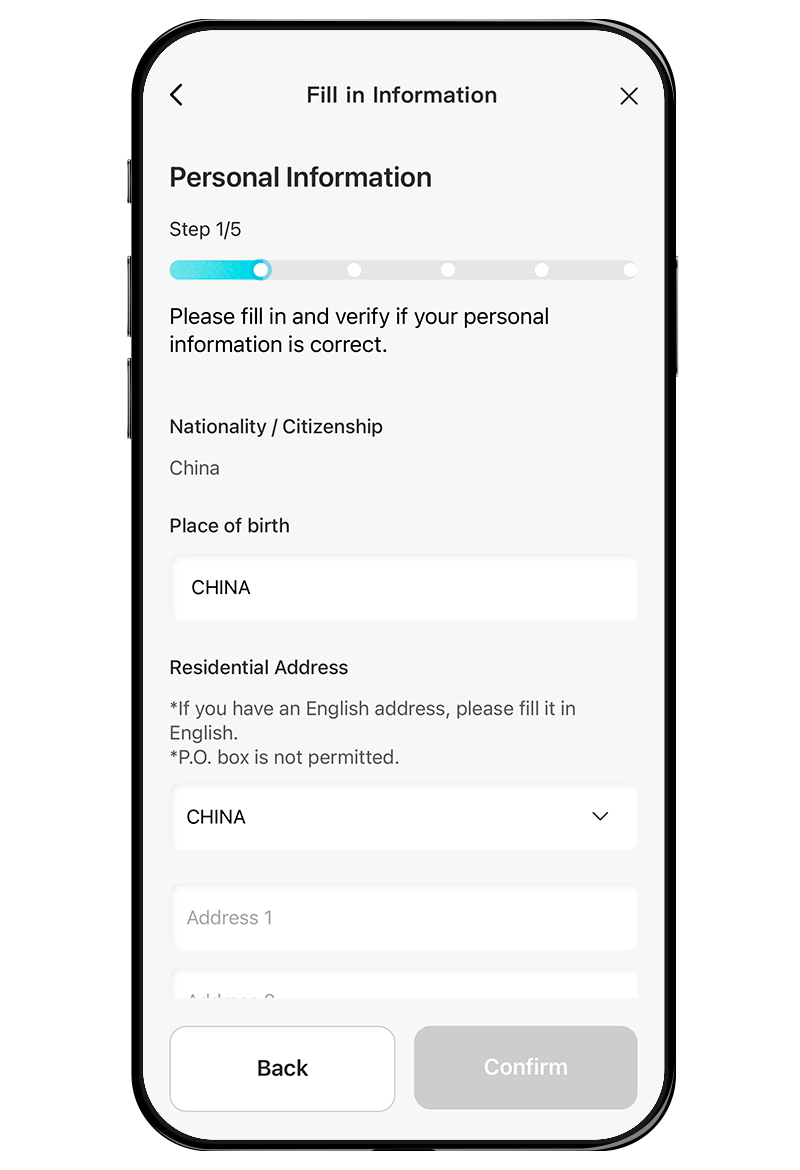
8 Input Personal Data
Follow instruction to input personal data. You will receive One-time password via SMS and email separately. Please input the passwords respectively.
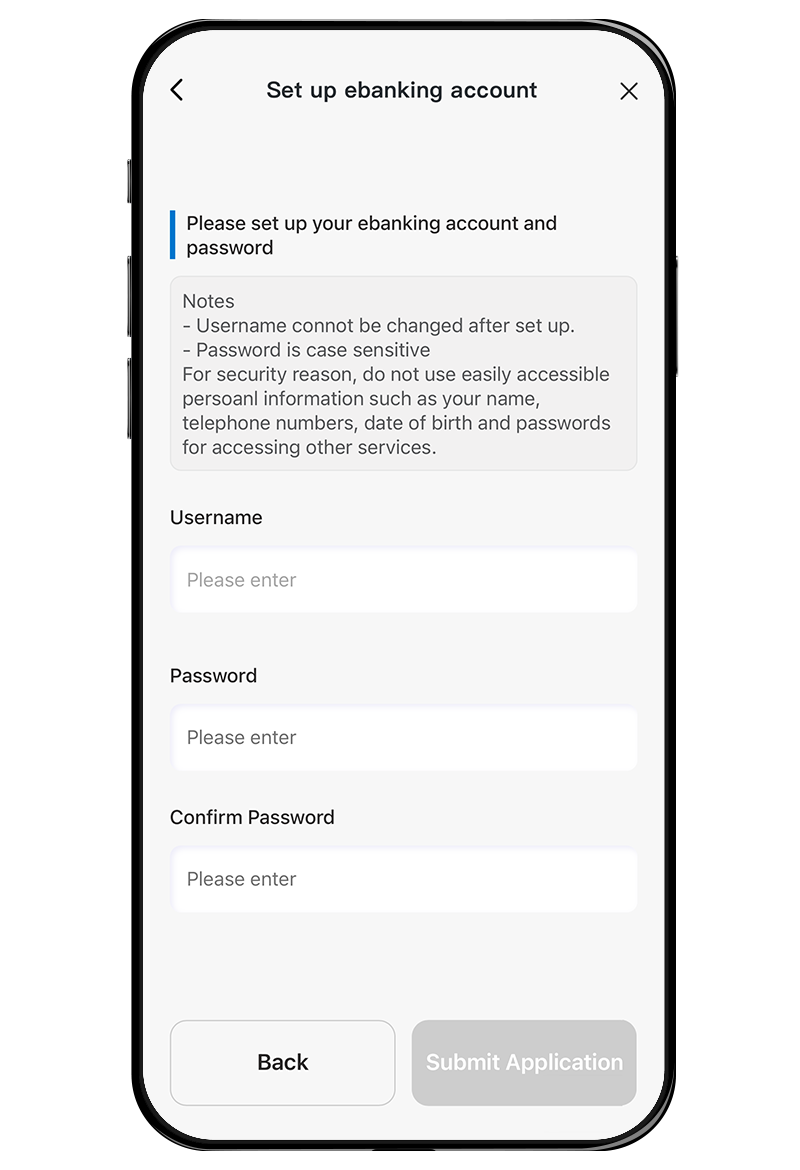
9 Set up e-Banking
Set up your username and password for e-Banking, then press “Submit Application” to submit your application. You will then receive SMS and email notifications for your application number and result*.
* After successfully opening an account, the Bank will conduct a final review and your savings account will be available for deposit and withdrawal after final review.